
Surfaces
Choose where users meet your product, then let ChromeShip wire that surface into the manifest and development runtime.
Add a surface
Open Settings > Surfaces and select what you need. ChromeShip creates the entry files, updates the manifest, and synchronizes the running project.
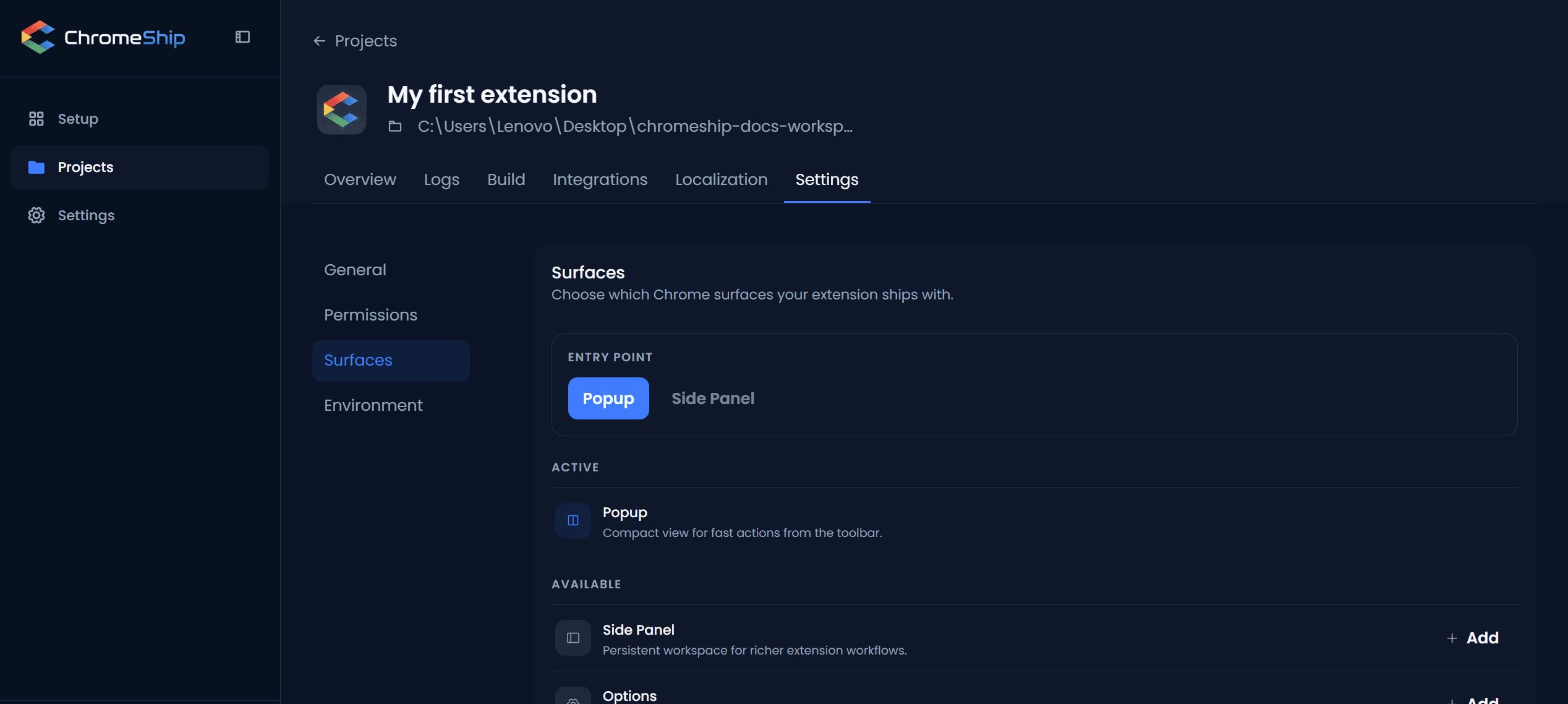
Entry surface
Choose whether the toolbar icon opens Popup or Side Panel from Settings > General. ChromeShip keeps the action and background configuration consistent.
Permissions
Add Chrome permissions and host permissions in Settings → Permissions. ChromeShip validates everything before starting the runtime.
Available surfaces
- Popup — toolbar dropdown for quick actions. Guide
- Side Panel — persistent panel alongside pages. Guide
- Options — dedicated settings page. Guide
- New Tab — override the new tab page. Guide
- Content Scripts — inject UI into web pages. Guide
- Background — event-driven service worker for shared logic. Guide
Next
Pick a surface above and start building. Need the right permissions? Manage them in Settings. Want to share state across surfaces? Use the storage helpers.