
Environment Variables
Give development and production the values they need without leaking backend secrets into the extension ZIP.
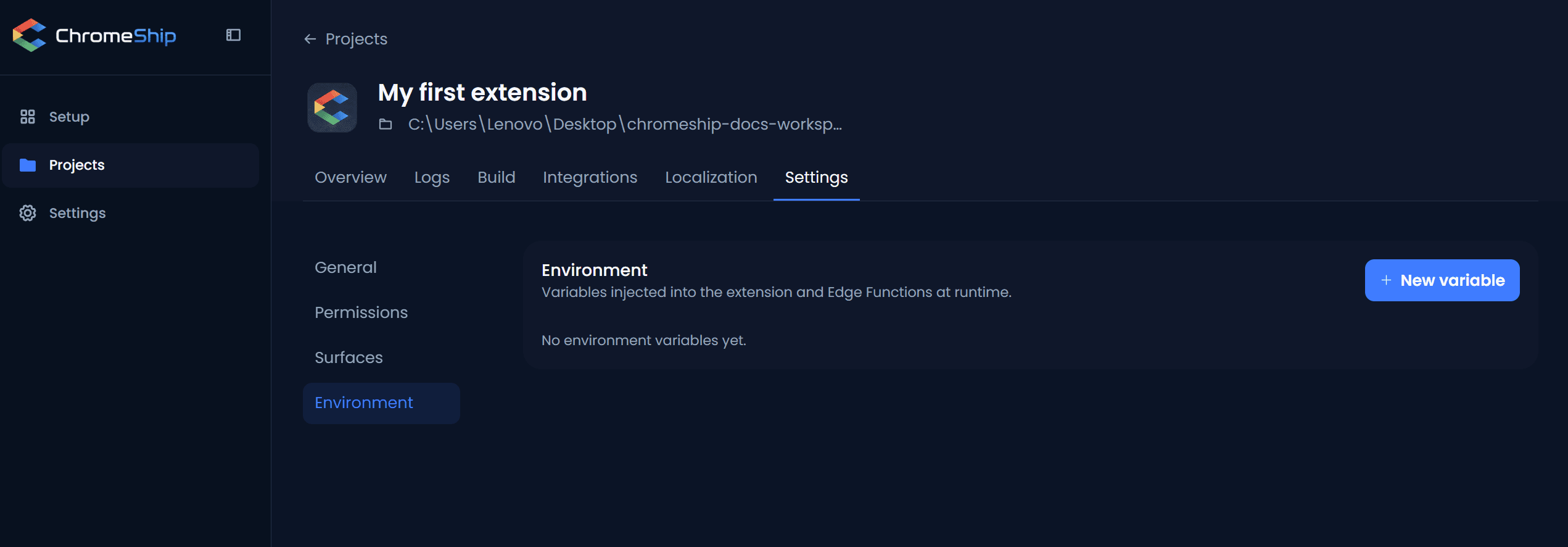
Add or edit a variable
Click Add variable, or open an existing row. Choose the environment first, then set its value and visibility.
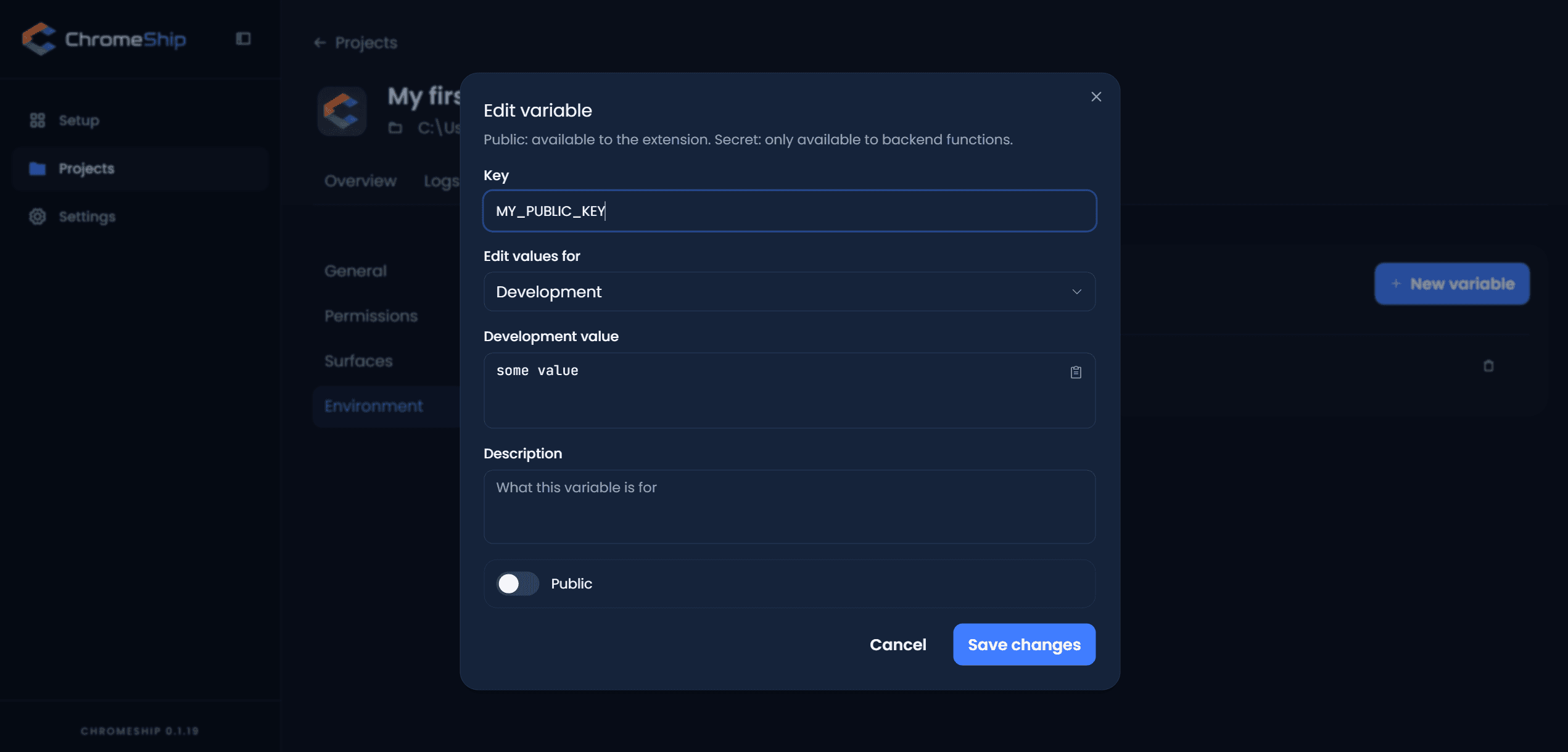
Environment and visibility
- Visibility —
publicvalues can be read by extension code.secretvalues are backend-only and never enter the extension bundle. - Environment —
localvalues are used duringchromeship dev.productionvalues are used for ZIP builds and deployed functions.
Generated files
ChromeShip writes four files so each value has one clear destination:
.env.local.public— public values for local dev.env.production.public— public values for production builds.env.local.secret— secrets for local functions.env.production.secret— secrets for deployed functions
Public values are injected at build time. Secret files are only served to local functions or uploaded as production function secrets.
Use in extension code
Extension code can only read public variables. To use a secret, call a function and read the value there with Deno.env.get().
import { env, requireEnv } from "@/shared/lib/env";

const apiUrl = requireEnv("SUPABASE_URL");       // throws if missing
const optional = env("PUBLIC_FEATURE_FLAG");      // "" if missing
Use in Edge Functions
// In supabase/functions/my-function/index.ts
const stripeKey = Deno.env.get("STRIPE_SECRET_KEY");
const supabaseUrl = Deno.env.get("SUPABASE_URL");
Supabase-managed variables
ChromeShip owns the local values of SUPABASE_URL and SUPABASE_ANON_KEY because they point to the project-isolated stack. Add or update their production values when connecting the project to remote Supabase.
Next
Wire up Supabase with your credentials. Add Stripe to collect payments. When you're ready to ship, follow the build and publish guide.